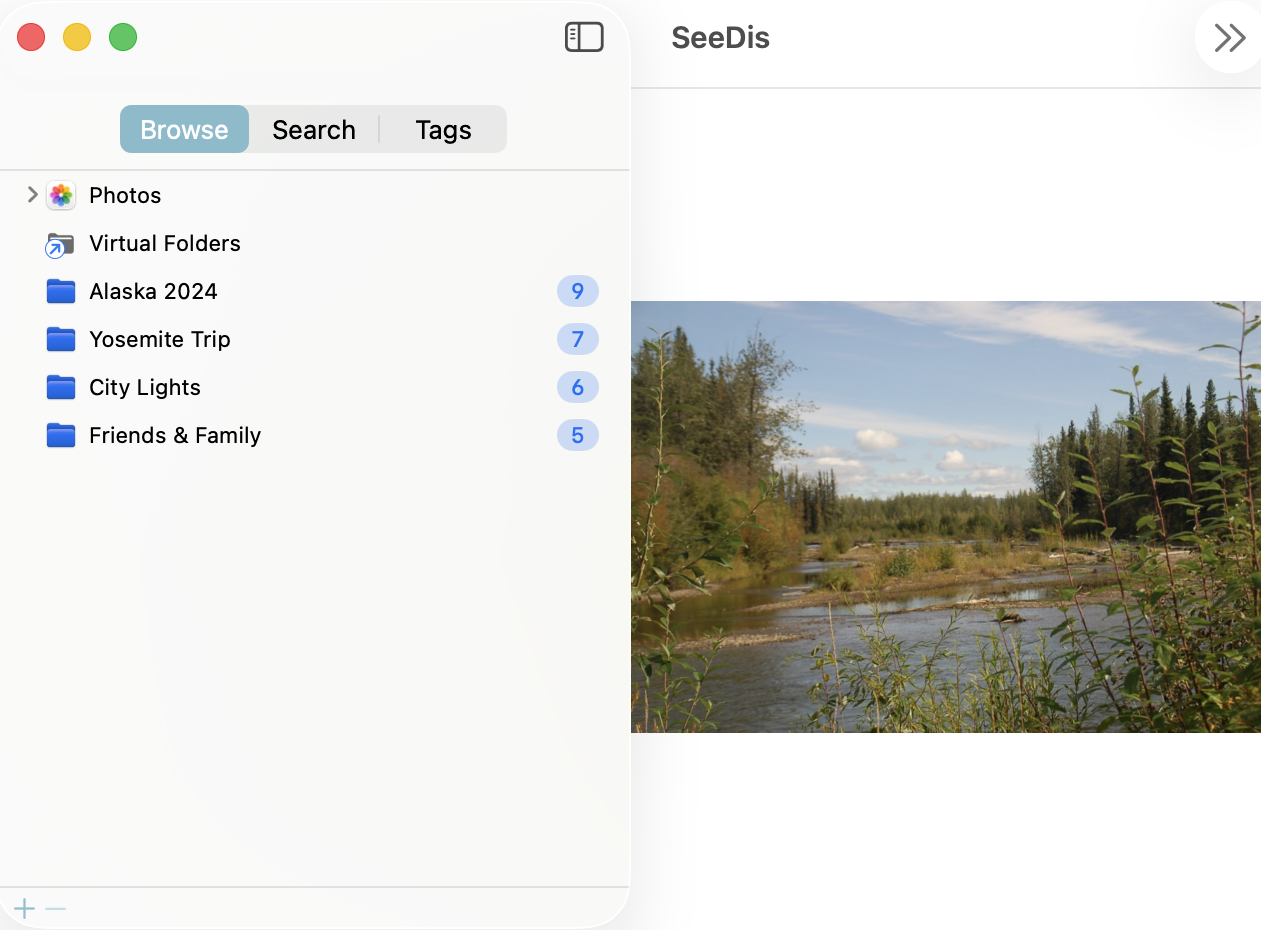
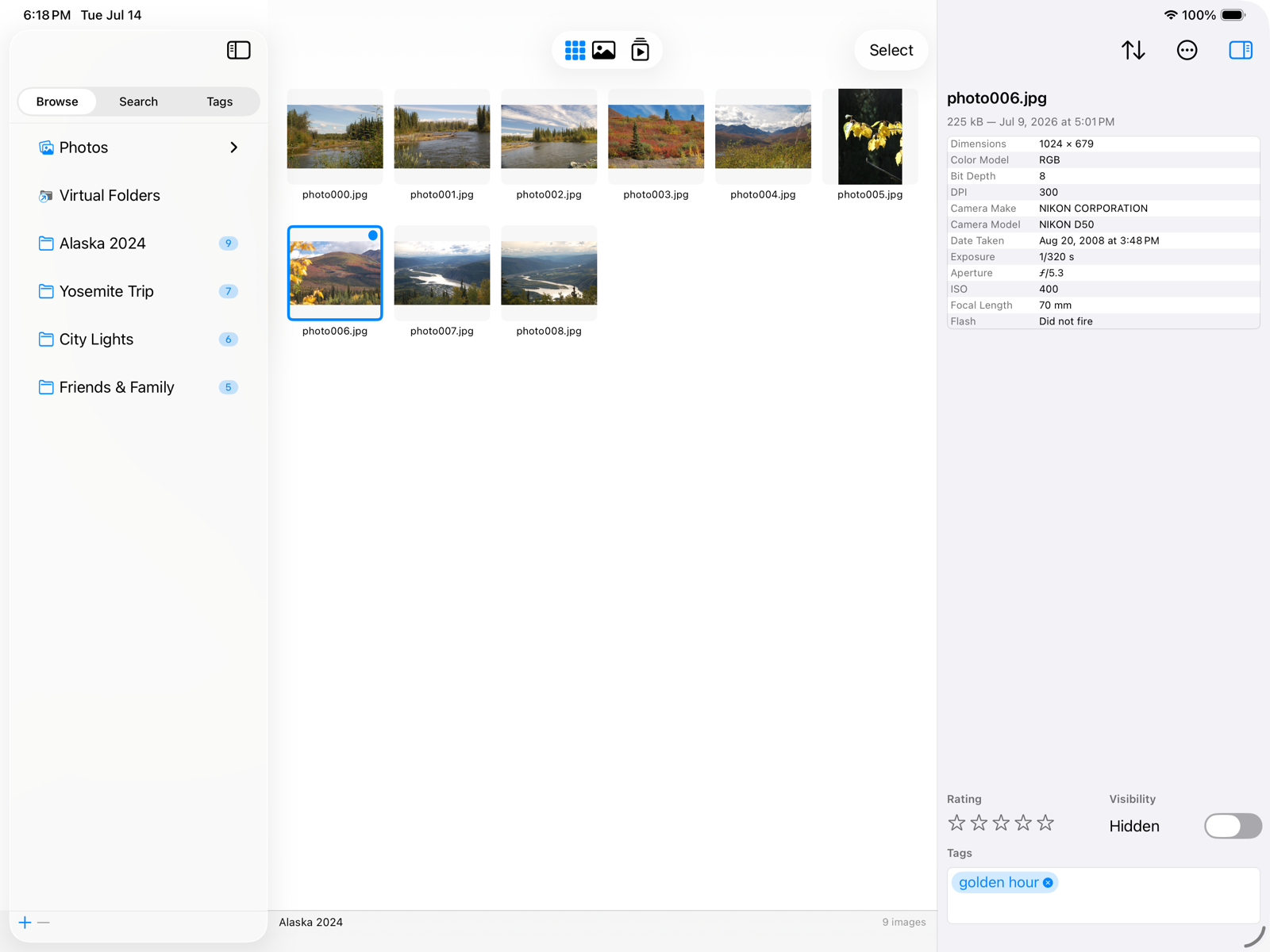
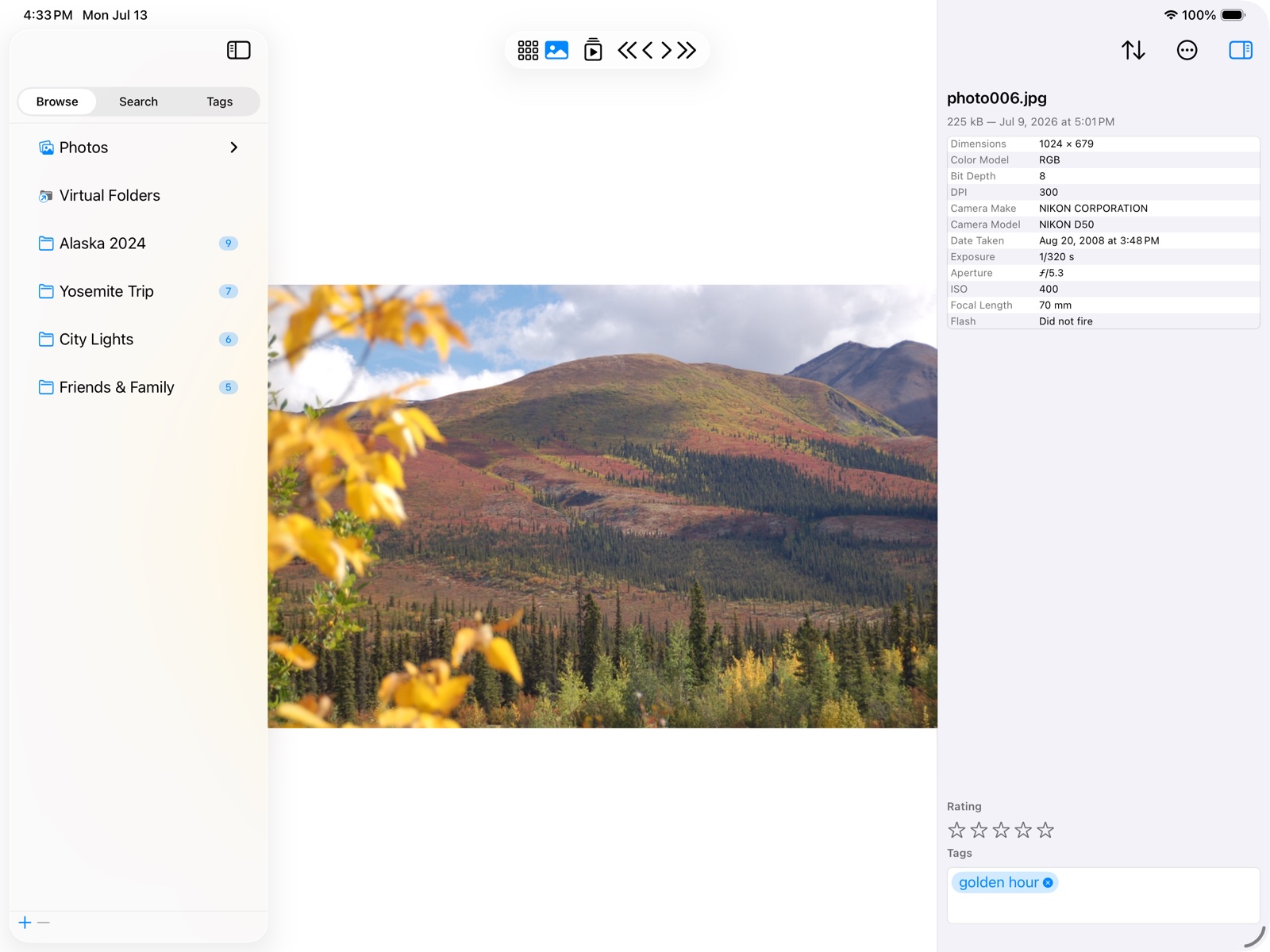
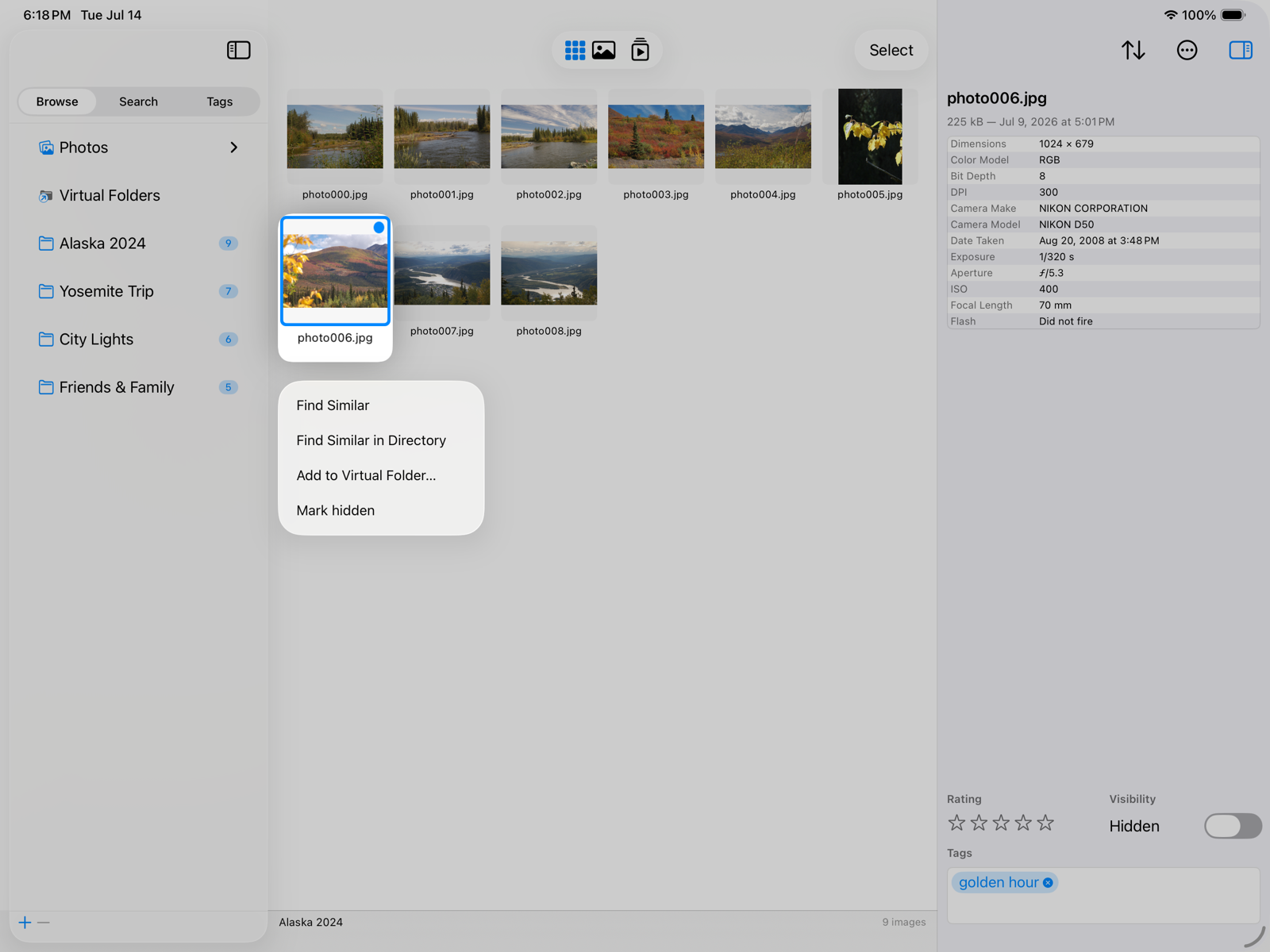
Every search below runs on a private index SeeDis builds on your device — a preview, a visual “fingerprint” and the faces of every picture. Your files stay where they are, and their contents are never changed.
Folders & Photos together
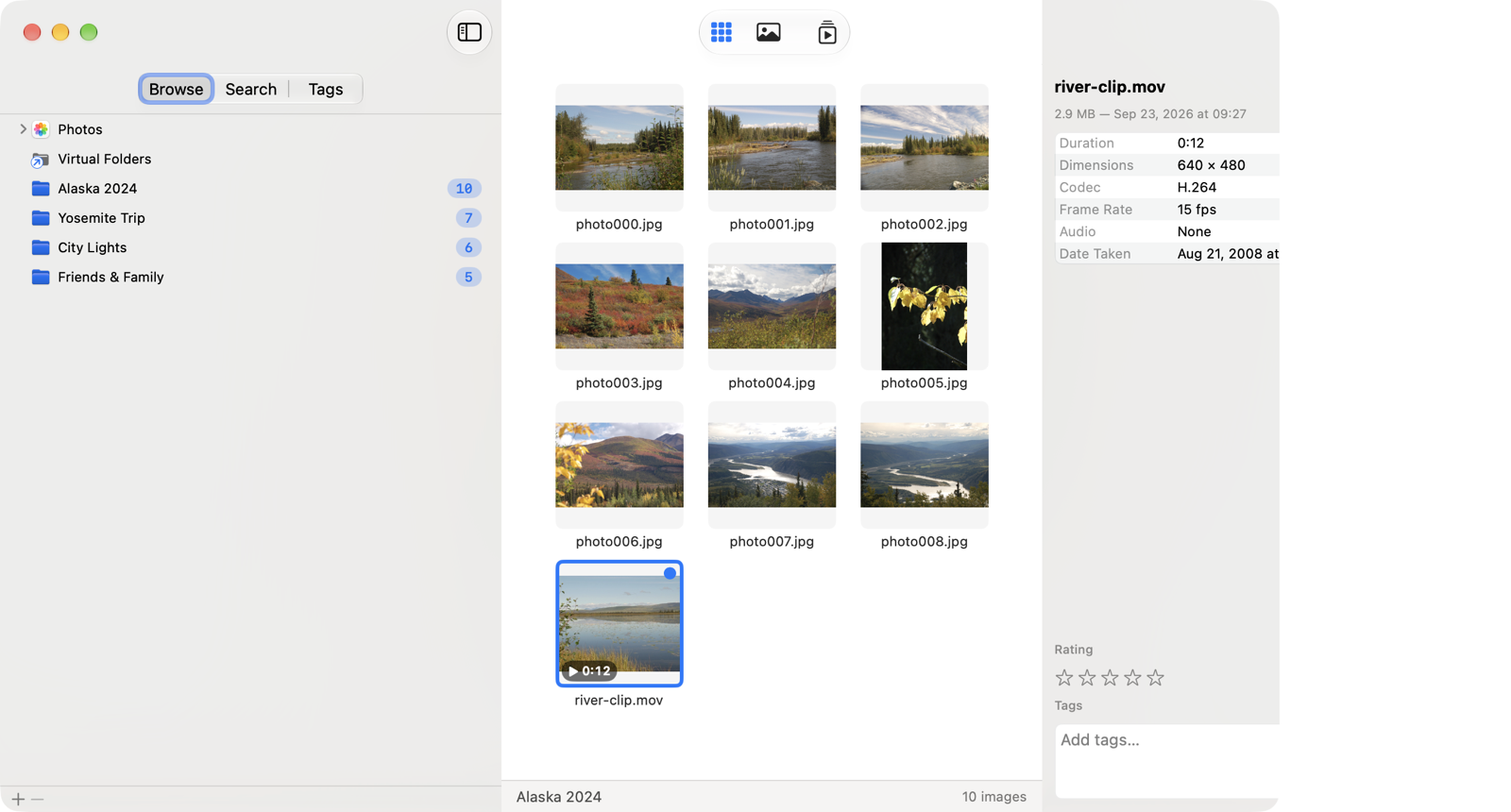
Folders on your disks and your Apple Photos library, side by side in one tree. Eject a drive and its folders grey out — they come back on their own.
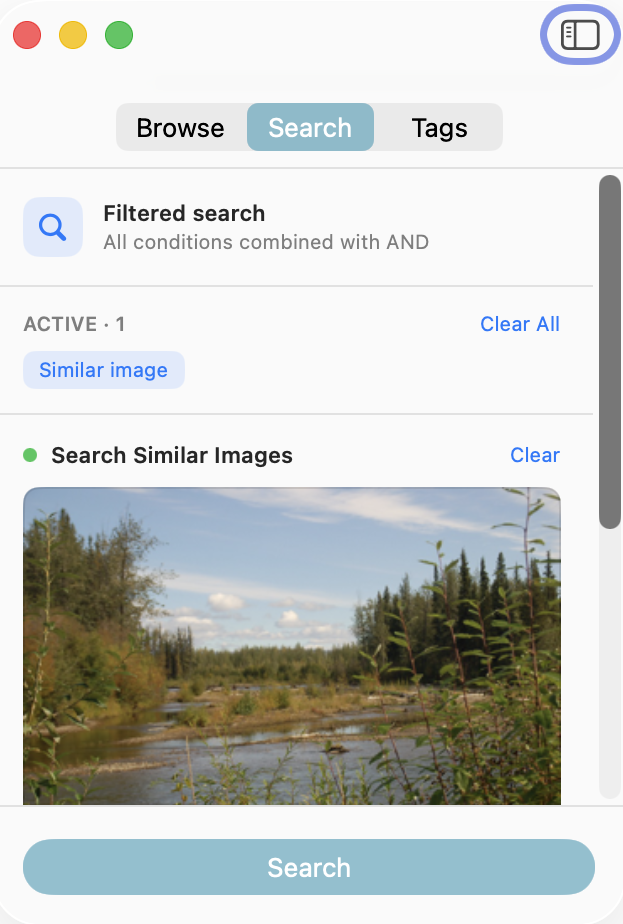
Find Similar
SeeDis's signature search: start from any picture and find others that look like it, with a Strict ↔ Loose slider to widen or tighten the net.
Same Face
Faces are detected on-device and grouped by likeness. Pick a photo and instantly round up every other picture of the same person.
Around the same place
Any picture with a camera-stamped location can anchor a search: SeeDis puts the spot on a map and rounds up everything shot within 1 to 100 km (or miles).
Duplicate detection
One command finds byte-identical copies across your whole library. Keep one of each and clear out the rest in a couple of clicks.
Ratings, tags & Virtual Folders
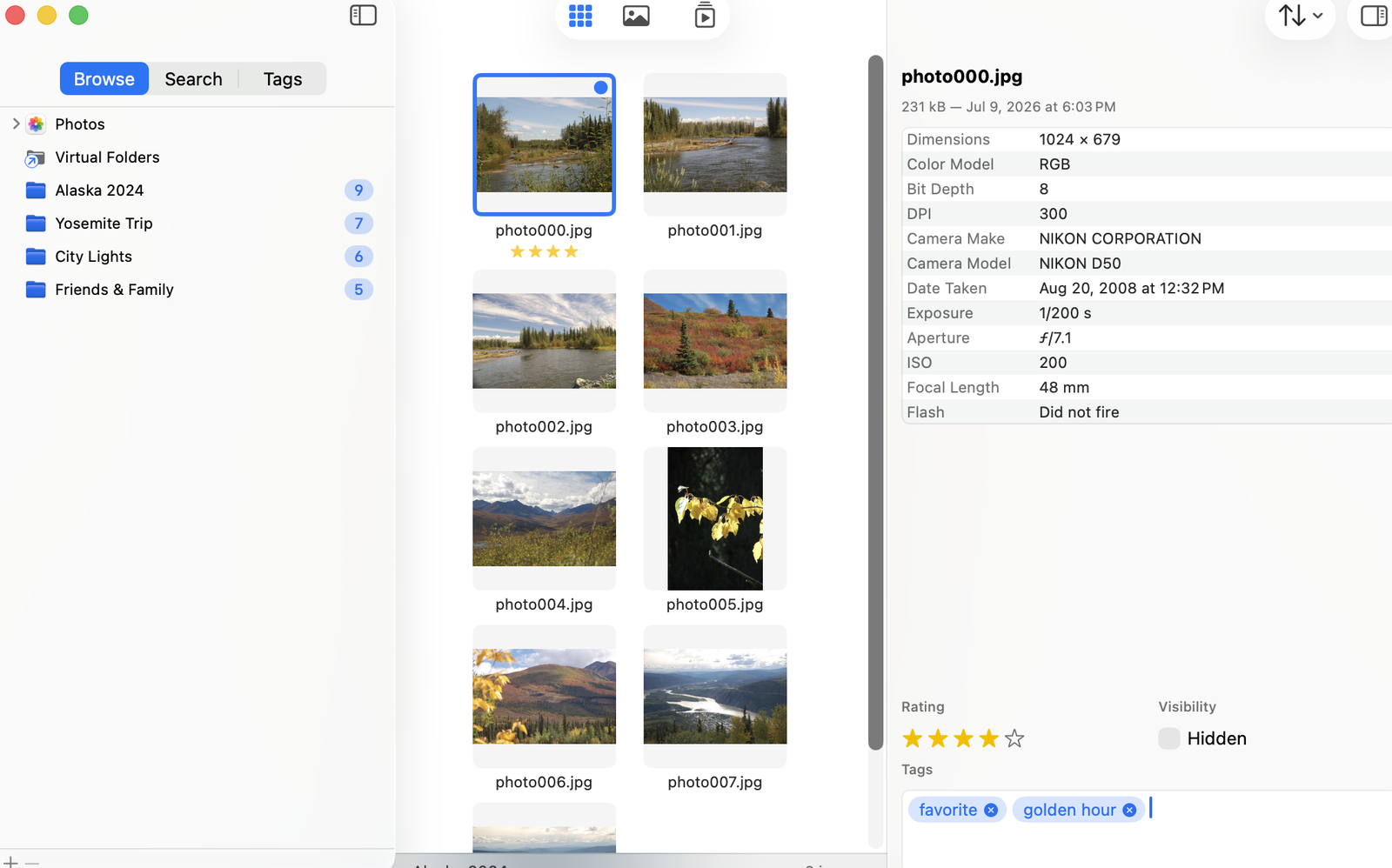
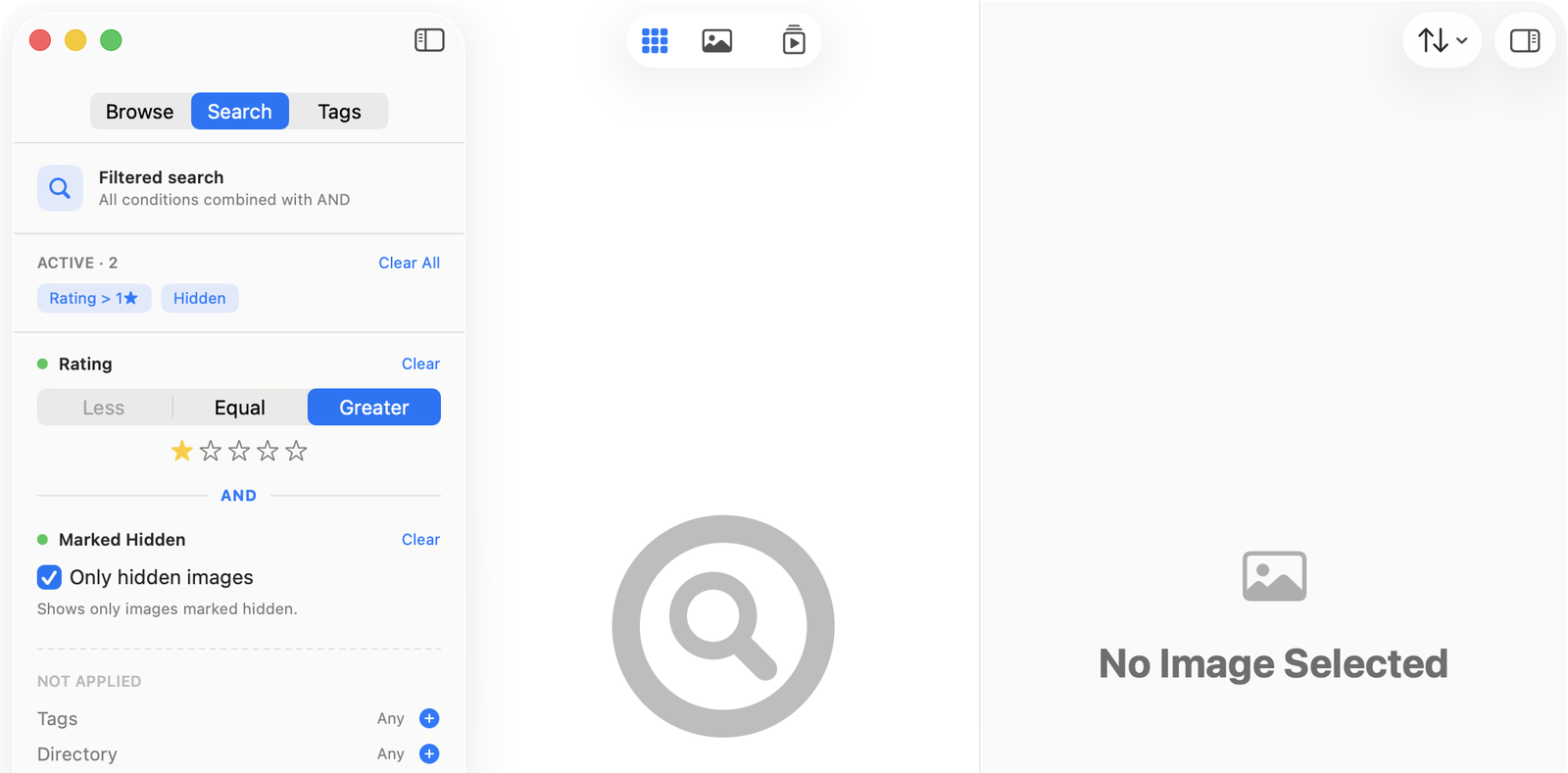
Rate 1–5 stars and tag with your own keywords, a whole selection at once. Gather pictures from anywhere into Virtual Folders — like playlists, without moving a file.
Batch Rename
Rename a whole selection from the original name, a counter and the date — with a live preview before a single file is touched.
Slideshows & presentation
Play any set full screen with your own timing and transitions, or present it on an external display from your Mac or iPad.
 macOS 26.5+
iPadOS 26.5+
macOS 26.5+
iPadOS 26.5+